The standard for printing and payment in the public space
Princh is the most secure and user-friendly cloud-based solution used by thousands of organizations worldwide.
Why you should choose Princh
Security
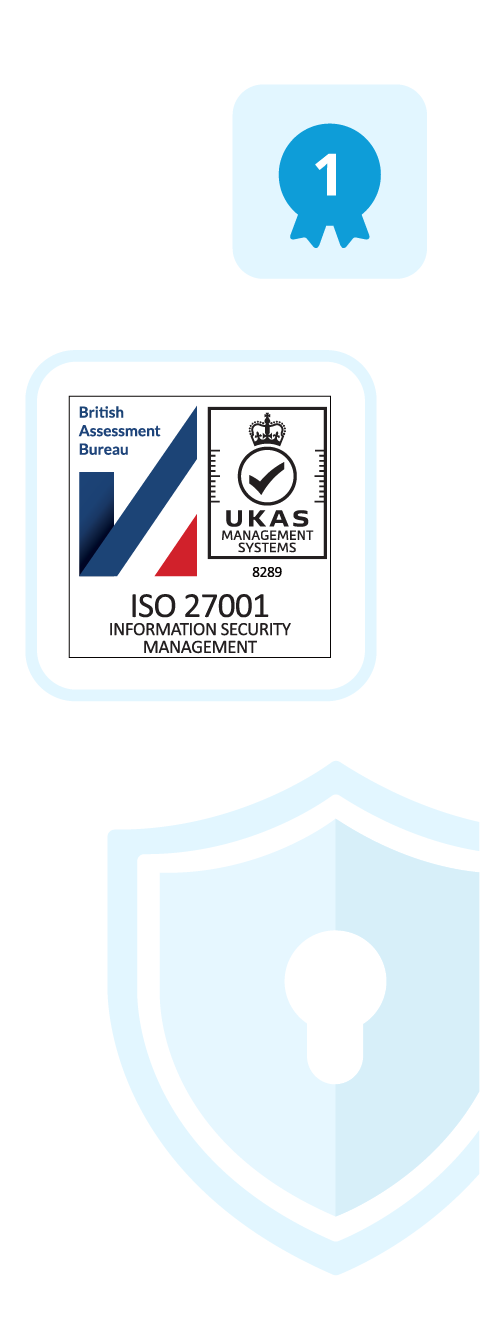
Princh is ISO 27001:2022 certified, the first one in the industry to achieve this. We are confident in our position as the industry leader in security, as nobody does security like we do.

User friendly
With our intuitive user interface, even a new, less tech-savvy user can print and pay from their own device in under 60 seconds. No need for any apps or accounts – simply print, pay, and go!

>6000
active locations worldwide
100%
compatibility with every MFP brand
>1/sec
people print globally
Modern and hassle-free
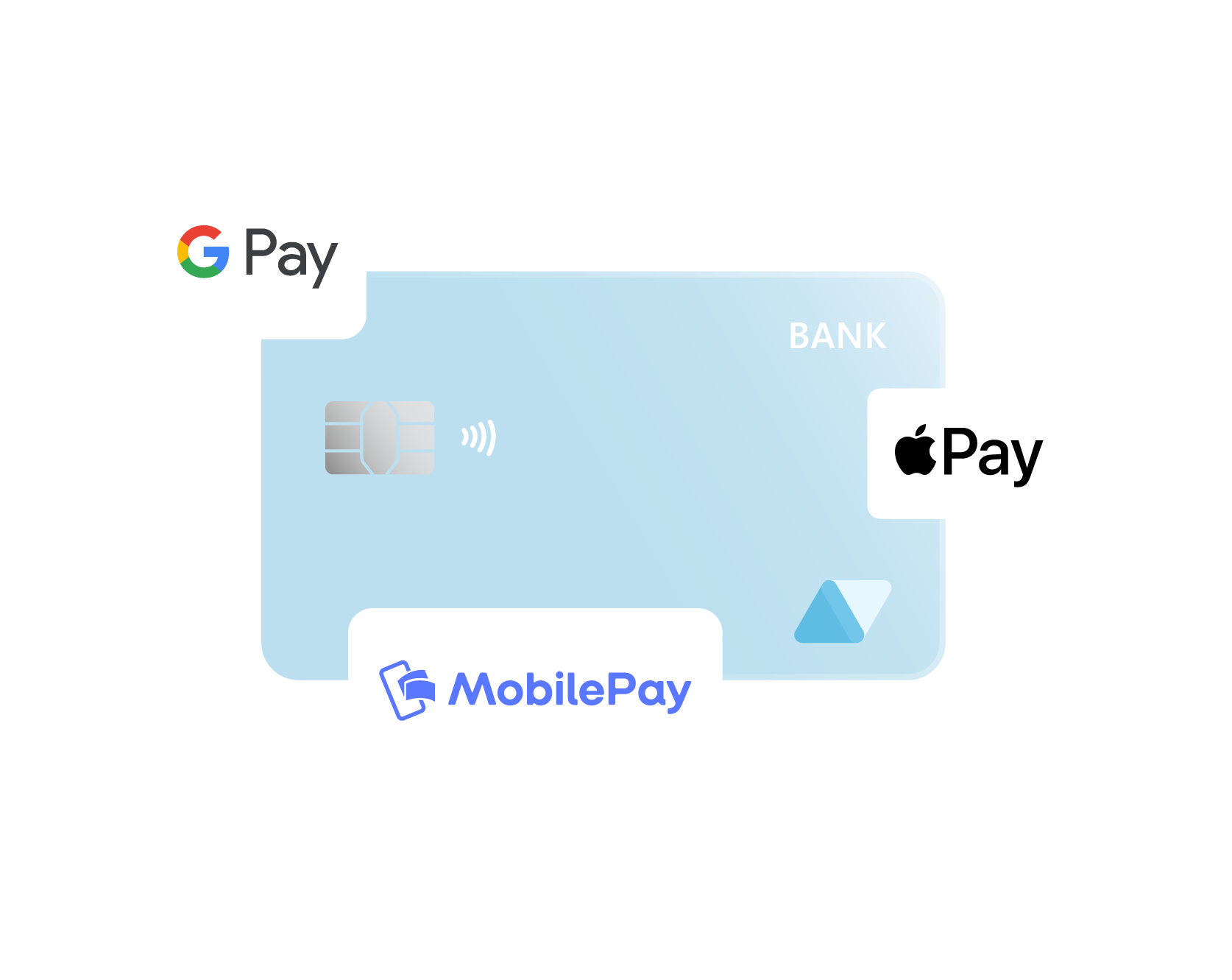
Payment works similarly to a modern web shop. Patrons pay as they go via local payment options, Apple Pay, Google Pay, bank cards, or cash. There are no money deposits you or your users must manage, nor any hidden fees to worry about.
Truly integrated payment
Everything with payment is handled by us, so you do not have to set up any payment agreements, payment terminals, or Points of Sales hardware. Documents are only printed once payment has been made, ensuring you capture all printing revenue.
Meet our products
BYOD Printing
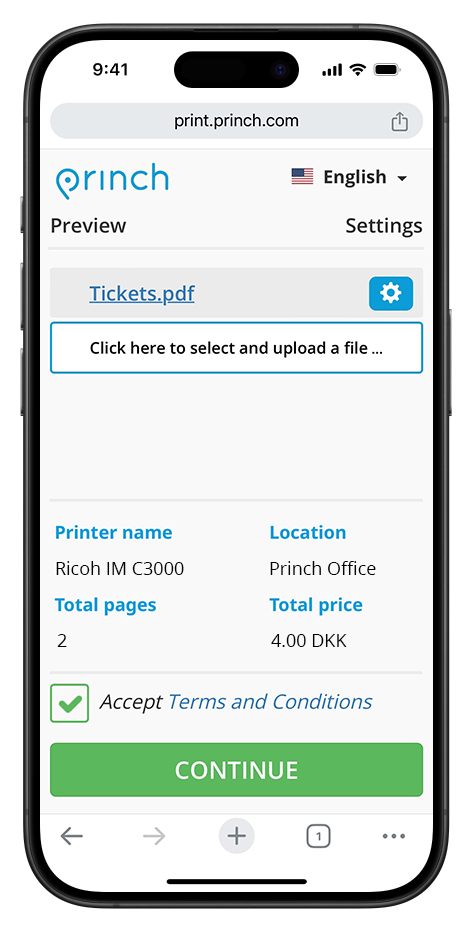
With our Bring Your Own Device (BYOD) solution users can print from their devices, in under 60 seconds.
And that’s it! You can see our BYOD printing process more in-depth via our interactive product walkthroughs. Check them out now!
PC Printing
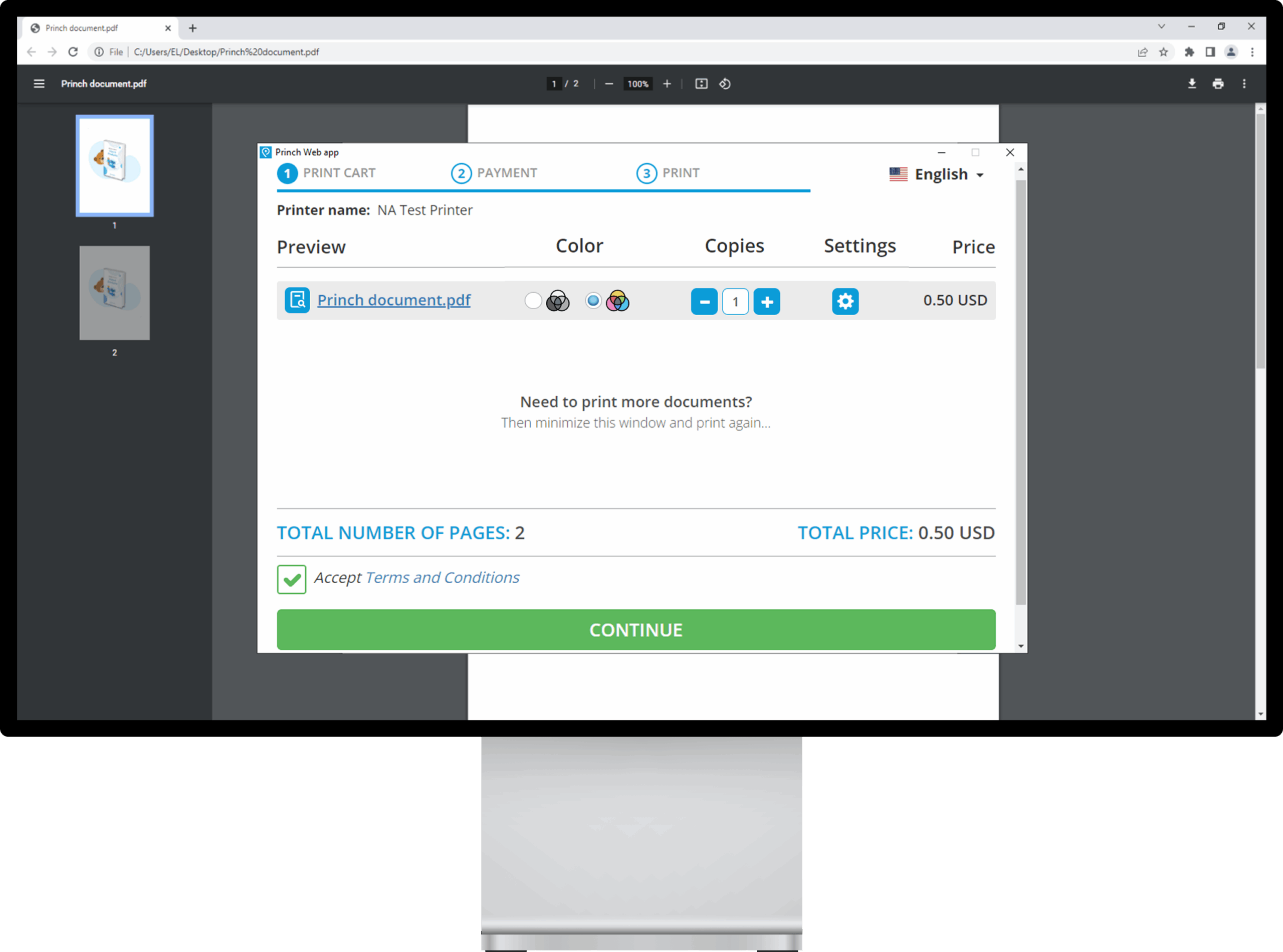
With our public PC printing solution, patrons use Princh through the native print function they are already using.
See how the complete printing process from a public PC looks via our interactive product showcase below!
Copying
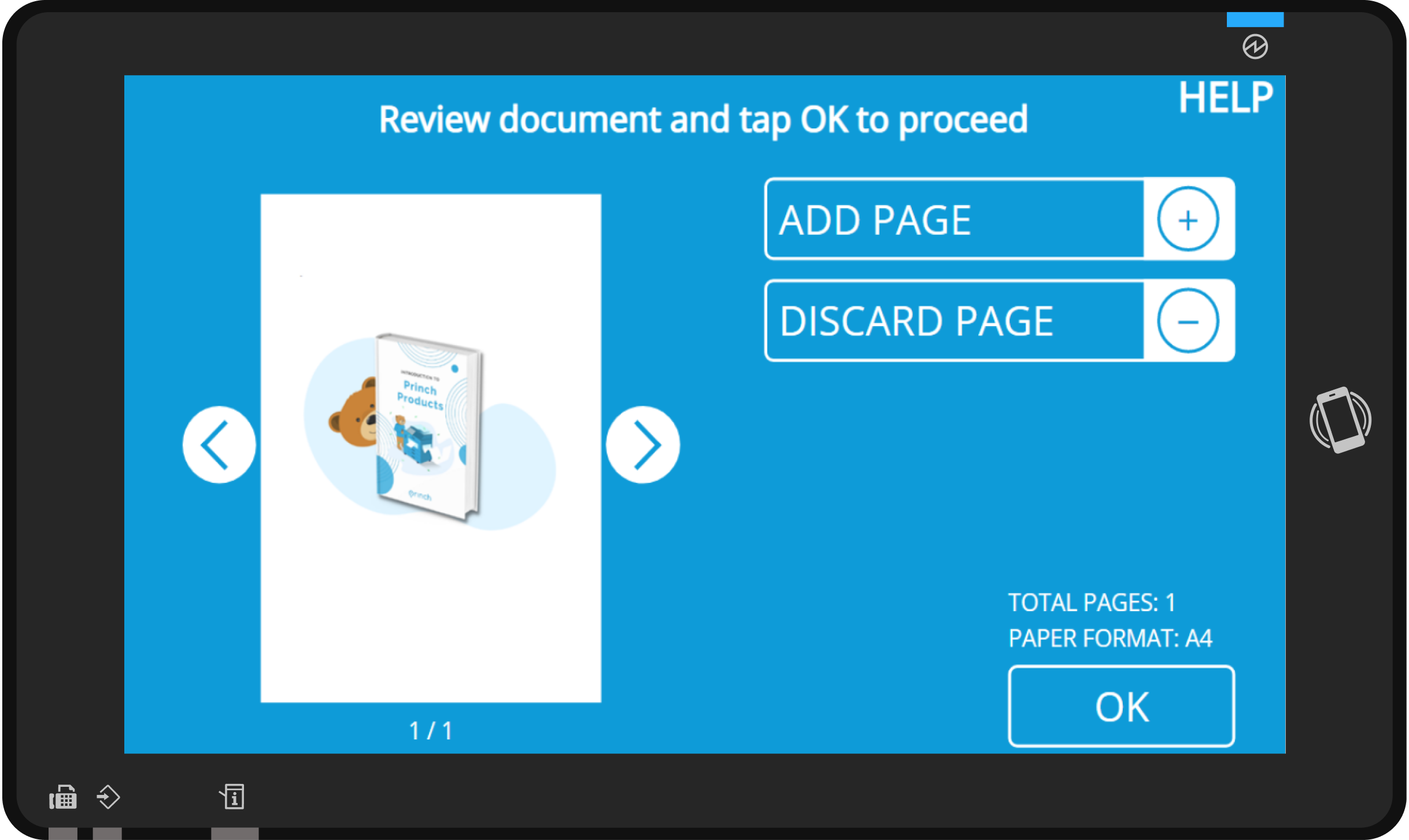
Our solution was made to make copying as simple and convenient as possible for users and staff.
Experience how simple copying can be for your users via our interactive product walkthrough below!
Scanning
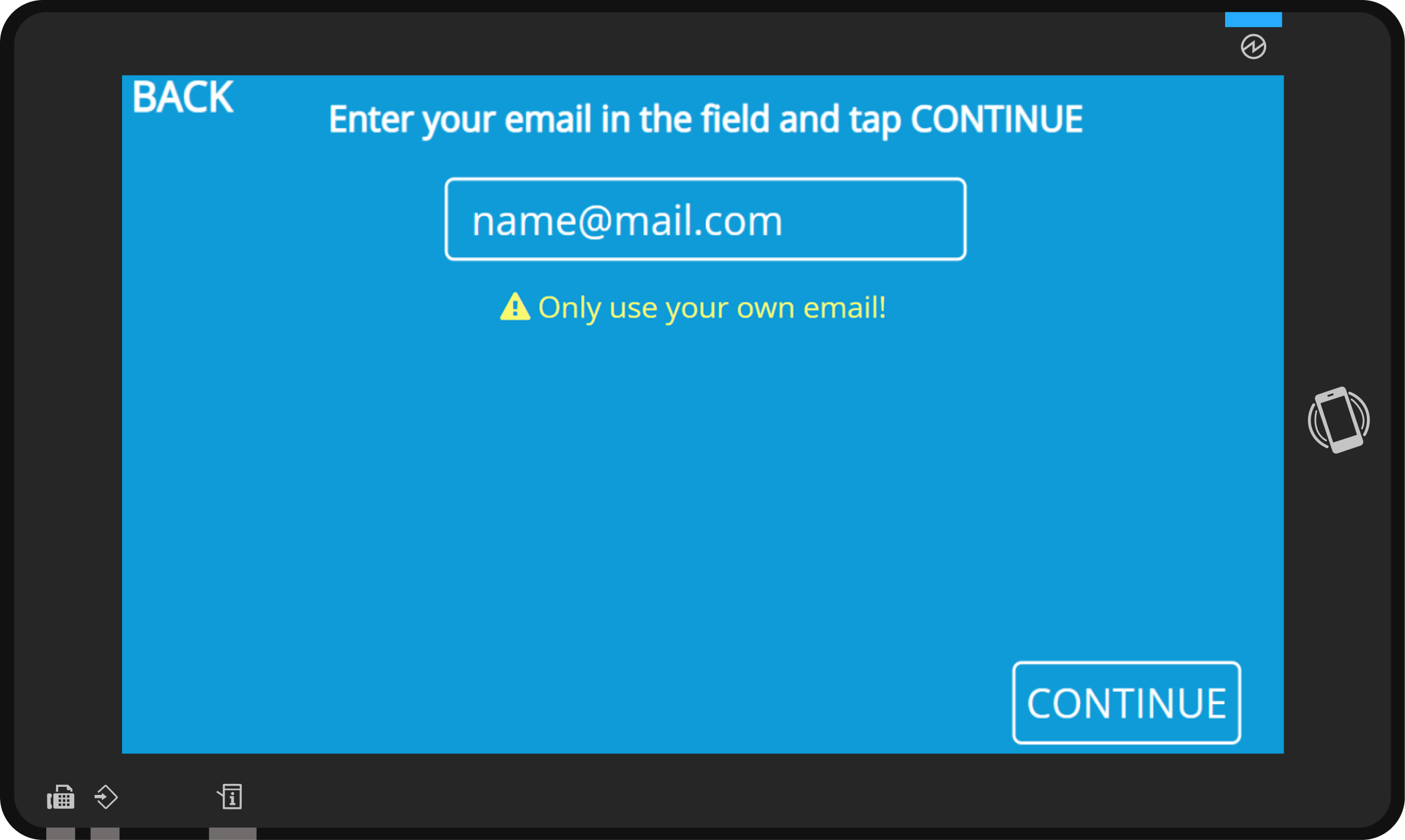
Our unique scanning solution offers unmatched document security to your users, encrypting their files both in transit and rest.
No other solution combines simplicity and security like our scanning solution does. See how we do it via our interactive guides!
Admin Panel
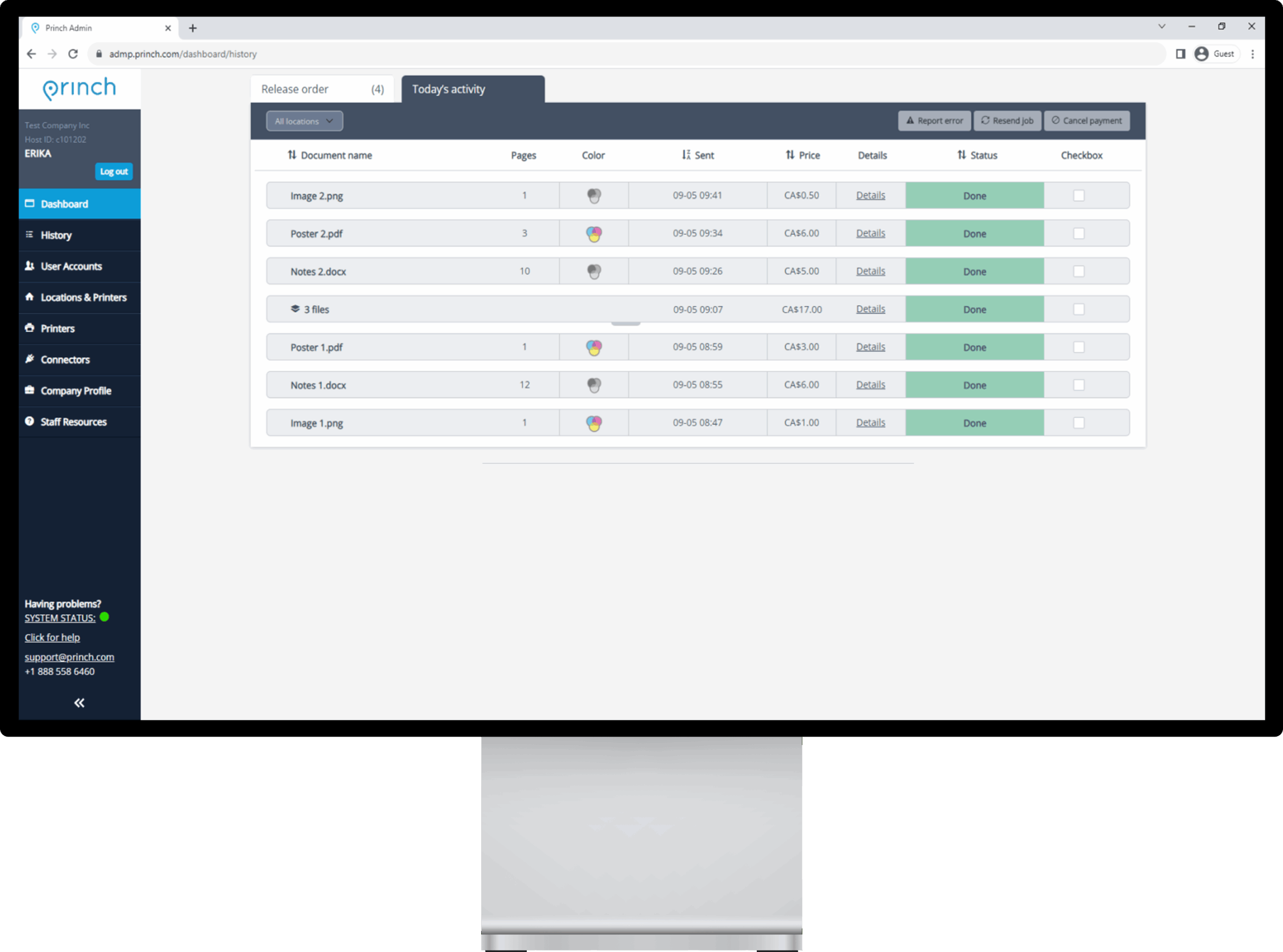
Our web-based administration panel allows you to manage all printing happening at your organization.
The Princh Admin Panel allows staff to manage and troubleshoot all printing activities. See some use cases below.
Tab Content
This is a basic text element.
Tab Content
This is a basic text element.
Tab Content
This is a basic text element.
Meet our products
BYOD Printing
With our Bring Your Own Device (BYOD) solution users can print from their devices, in under 60 seconds.
And that’s it! You can see our BYOD printing process more in-depth via our interactive product walkthroughs. Check them out now!
PC Printing
With our public PC printing solution, patrons use Princh through the native print function they are already using.
See how the complete printing process from a public PC looks via our interactive product showcase below!
Copying
Our solution was made to make copying as simple and convenient as possible for users and staff.
Experience how simple copying can be for your users via our interactive product walkthrough below!
Scanning
Our unique scanning solution offers unmatched document security to your users, encrypting their files both in transit and rest.
No other solution combines simplicity and security like our scanning solution does. See how we do it via our interactive guides!
Admin Panel
Our web-based administration panel allows you to manage all printing happening at your organization.
The Princh Admin Panel allows staff to manage and troubleshoot all printing activities. See some use cases below.
What our customers say
Princh is an empowering tool for the whole community (…) Quick, simple and convenient for all of the community.
Sutton Council Libraries
If you want something self-service and reliable with minimum need for support hours, then go for Princh.
Copenhagen Business School
Princh really just made every aspect of printing easier, far easier than I ever thought possible.
Obion County Public Library