EnvisionWare & Princh Welcome Center
We are excited to have you here! On this page you can find useful resources you may need after installing Princh – user guides, staff training materials and promotional tools!
Princh instructions

Princh setup guides
These interactive, step-by-step guides will help you install and test your new printing solution at your location(s).

Launching Princh for public use at your organization
Based on our customers’ feedback and our experience, we compiled the 7 most important tasks for ensuring a successful launch of Princh at your organization.
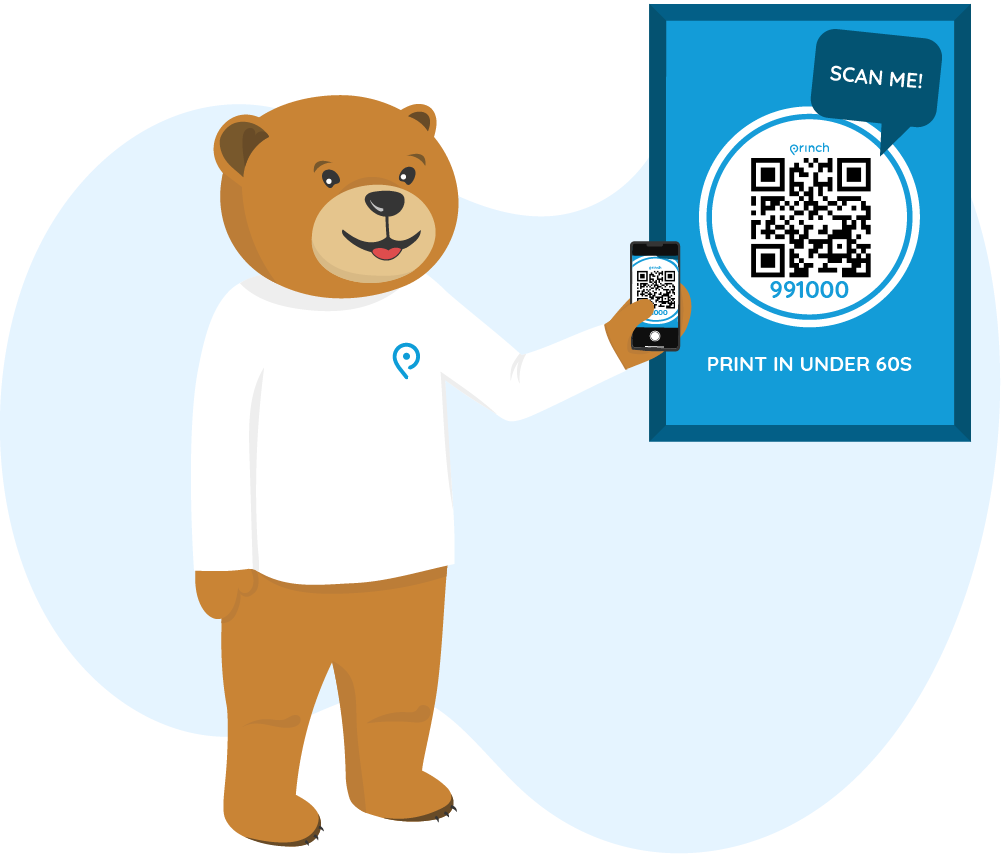
Print and copy guide poster creator
Open the print guide poster creator and follow the instructions. Requires a printer to be set up with a valid printer ID in the Princh Administration Panel.
Staff introduction

Princh staff training
Watch this training video to learn the ins and outs of your new printing solution.

Interactive product walkthroughs
Our guided product walkthroughs will help you understand the printing process of the Princh mobile printing solution from any device.
Promotional materials
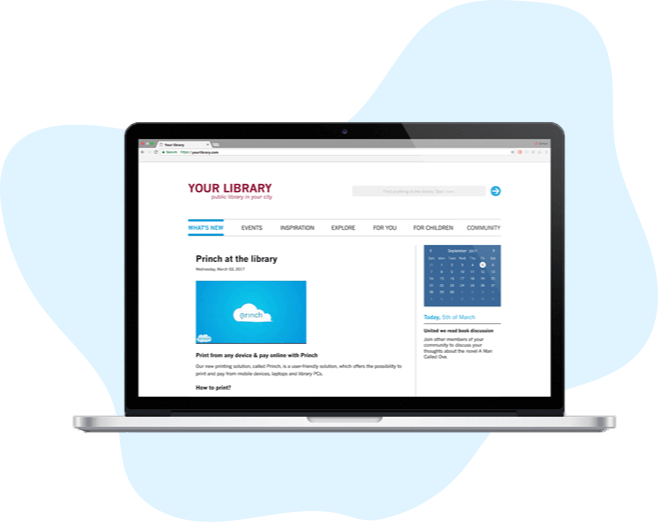
Website kit
Easily update your library’s website with our ready-to-use text and visuals. This resource will allow you to quickly and efficiently update your information regarding your printing services to keep your patrons informed.
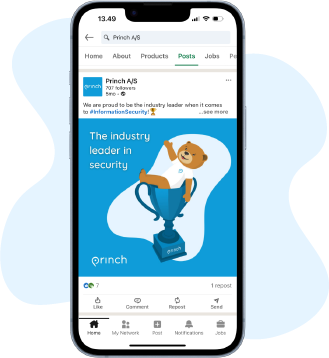
Social media kit
Promotional material that can be used for your library’s social media channels. This includes ready-to-use visuals and text for LinkedIn, Facebook and X (Twitter).
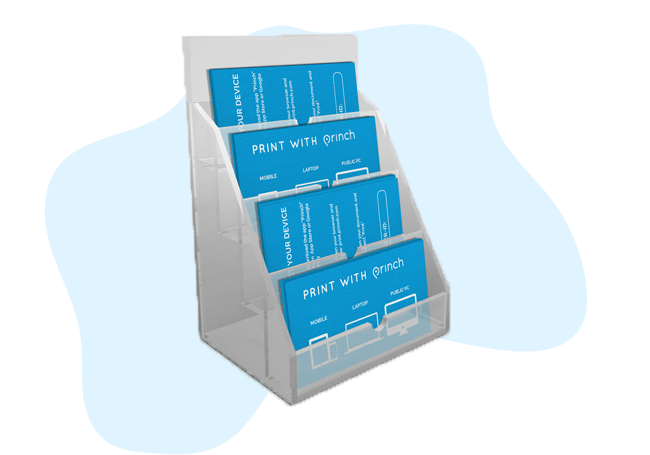
Print info card
A business card sized info card that your library can print and offer to your patrons. These info cards contain instructions on how to print with Princh and have a fillable field to write in one printer ID.
Princh essentials

Princh Administration Panel
The Princh Administration Panel (ADMP) is where your staff can manage the Princh solution. You need to access this tool to start your installation process.

EnvisionWare Customer Center
Log into your EnvisionWare Customer Center account to get help with any MobilePrint Service questions or troubleshooting issues.